
ℹ️ Our subscriptions and invoicing are handled by our reseller partner (Paddle – The complete payments, tax, and subscriptions solution for SaaS), so you should contact them in this case. You can do this as follows:
➡️ Go to support website of our reseller partner: Paddle.net
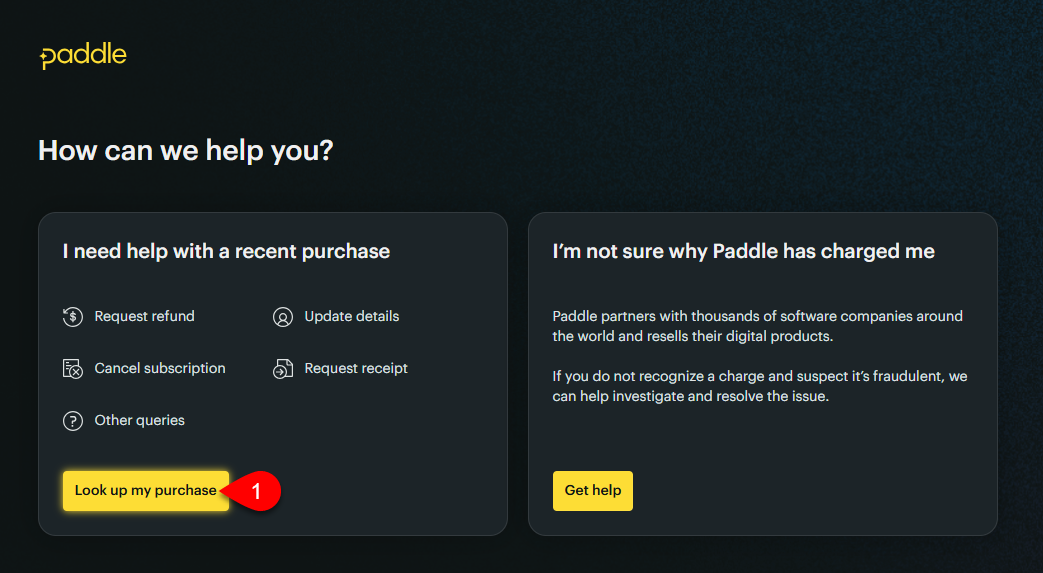
1. Click on the Look up my purchase button.
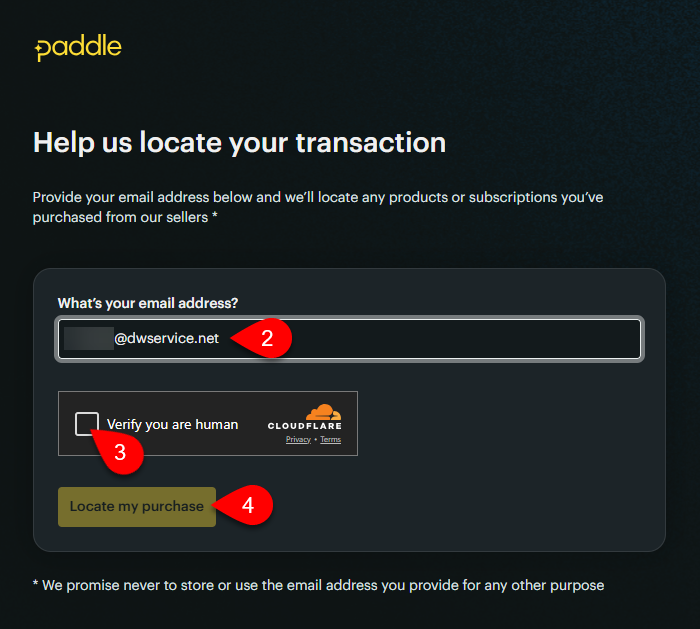
2. Enter your e-mail address.
3. Tick the “Verify you are human” checkbox.
4. Click on the Locate my purchase button.
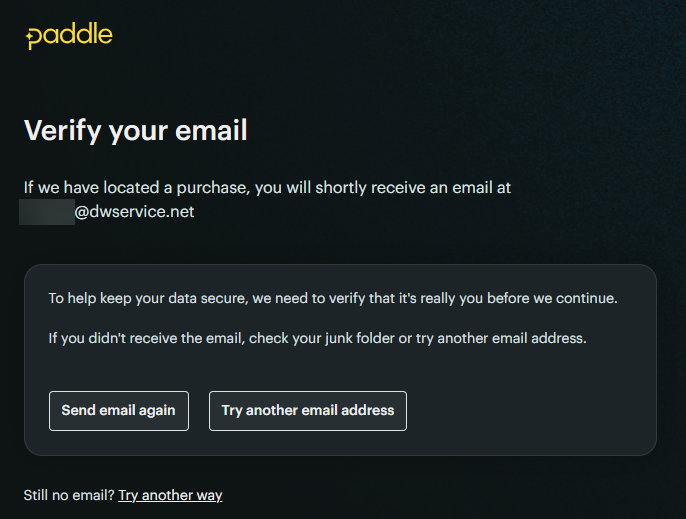
Check your mailbox. You will receive an email to your email address:
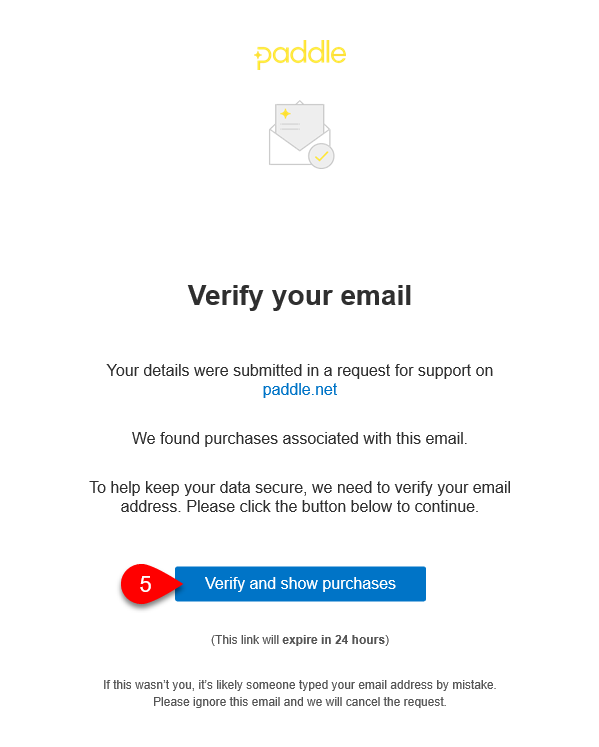
5. Click on the Verify and show purchases button.
A web page will open with the details of your subscription:
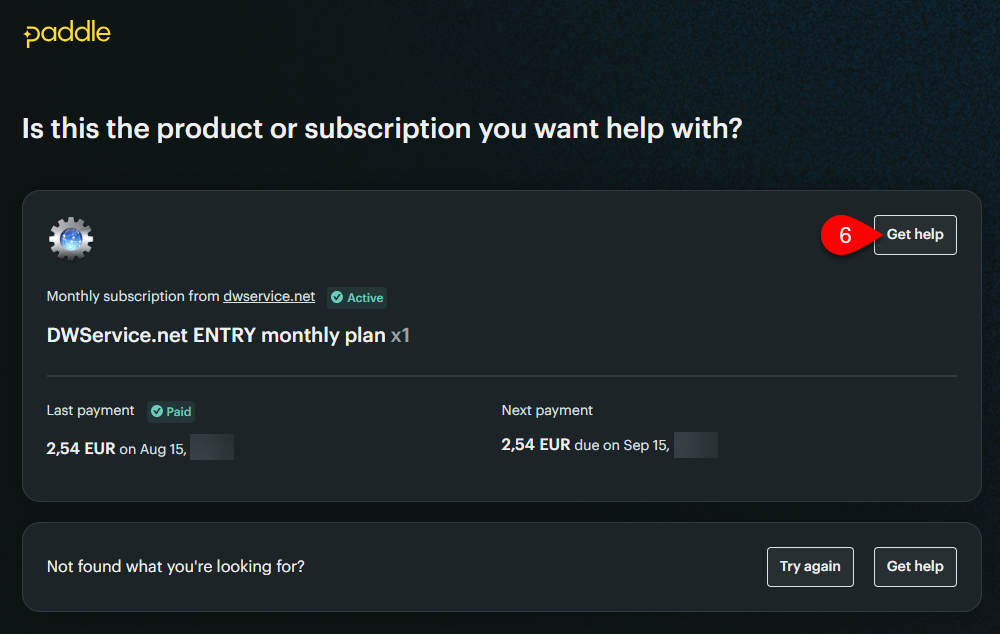
6. Click on the “Get Help” button.
A chat window will appear:
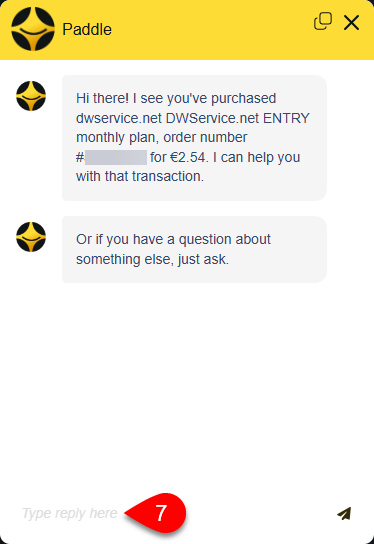
7. At the bottom of the chat window, you can request a refund.