
Sign up is the process of creating a personal account by providing your email address and a password.
The sign-up form can be accessed at https://www.dwservice.net.
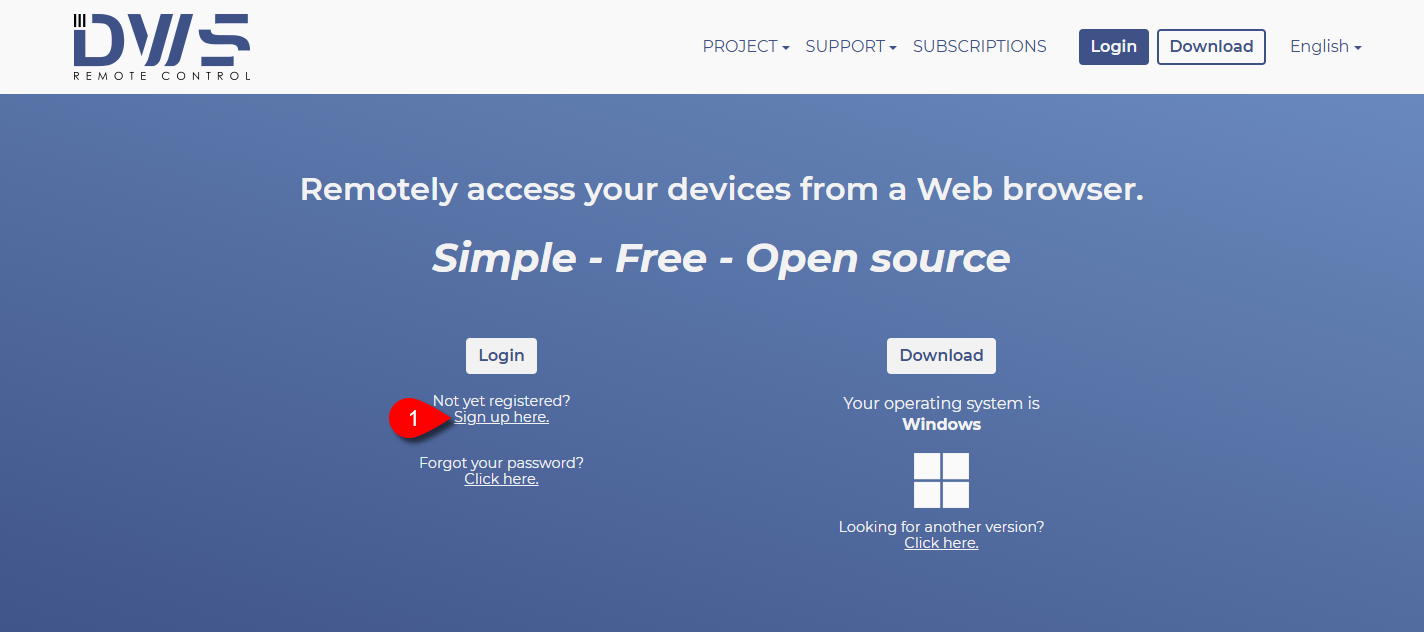
- Click on the Sign up here text.
The following form will appear:
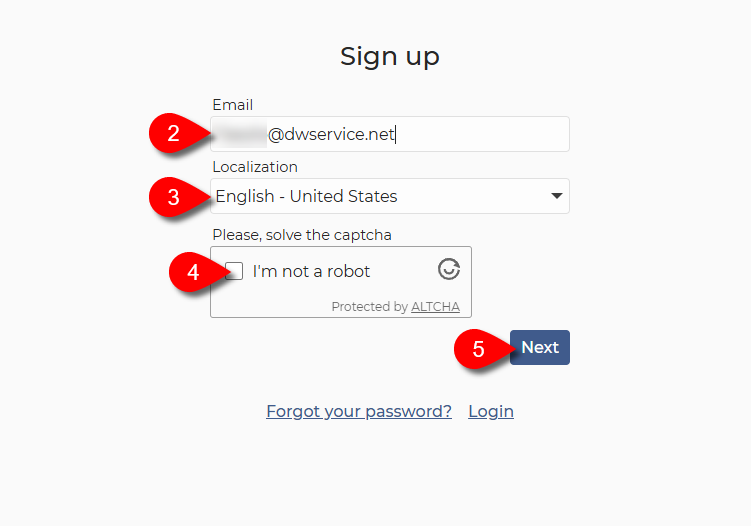
2. Enter your Email address.
3. Select your localization/language from the drop-down list.
4. Solve the Captcha (tick the checkbox).
5. Click on the Next button.
The following form appears:
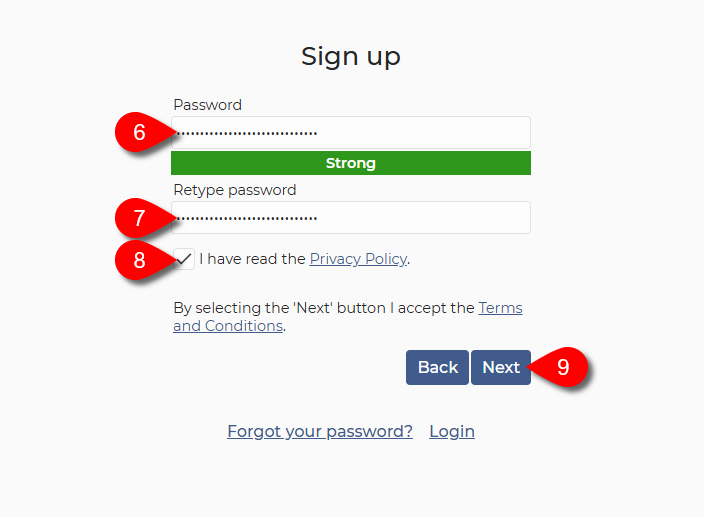
6. Enter a Good password or Strong password for your account.
7. Retype your password.
8. Read the Privacy Policy and, if you accept it, tick the checkbox.
9. Click on the Next button.
Our system will send you an email containing a 6–digit activation code.
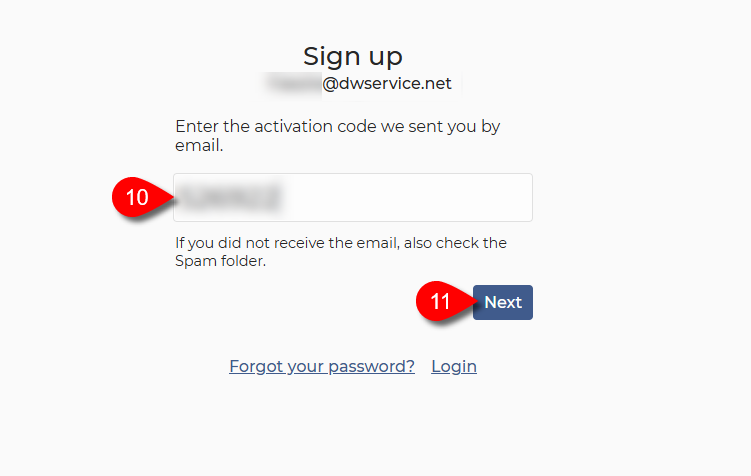
10. Enter the 6-digit activation code you received via email.
11. Click on the Next button.
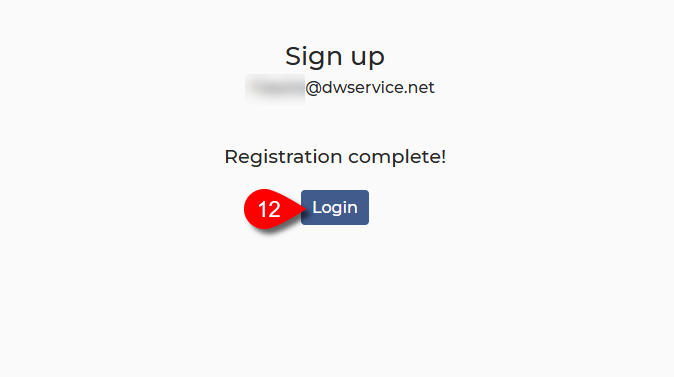
✅ The registration process is complete.
11. Click on the Login button to sign in to your account.
▶️ Watch our tutorial video about How to create an Account: